
This is really one of the annoying thing which is getting popular these days on Internet. To view something on webpage, you need to take some action to unlock that content. This action may include-sign in, sign up, sharing on social networking site or any other such tasks. Quora also comes to the same website list.
Not all users are ready to sign up to all the sites that they have visited. The reason might be different for different people. For example, The user may don’t have an account with Google or Facebook or he is using public PC, and he don’t wish login to their account on it. That time you’ll need to unlock content without taking any action.
Quora is one of the popular website these days, and many visitors visits that websites on a daily basis. I’m sure at least few thousands of people will face such problem daily. If you are one of them, then here is a solution for it.
METHOD 1: View Blurred Content on Quora without signing in:

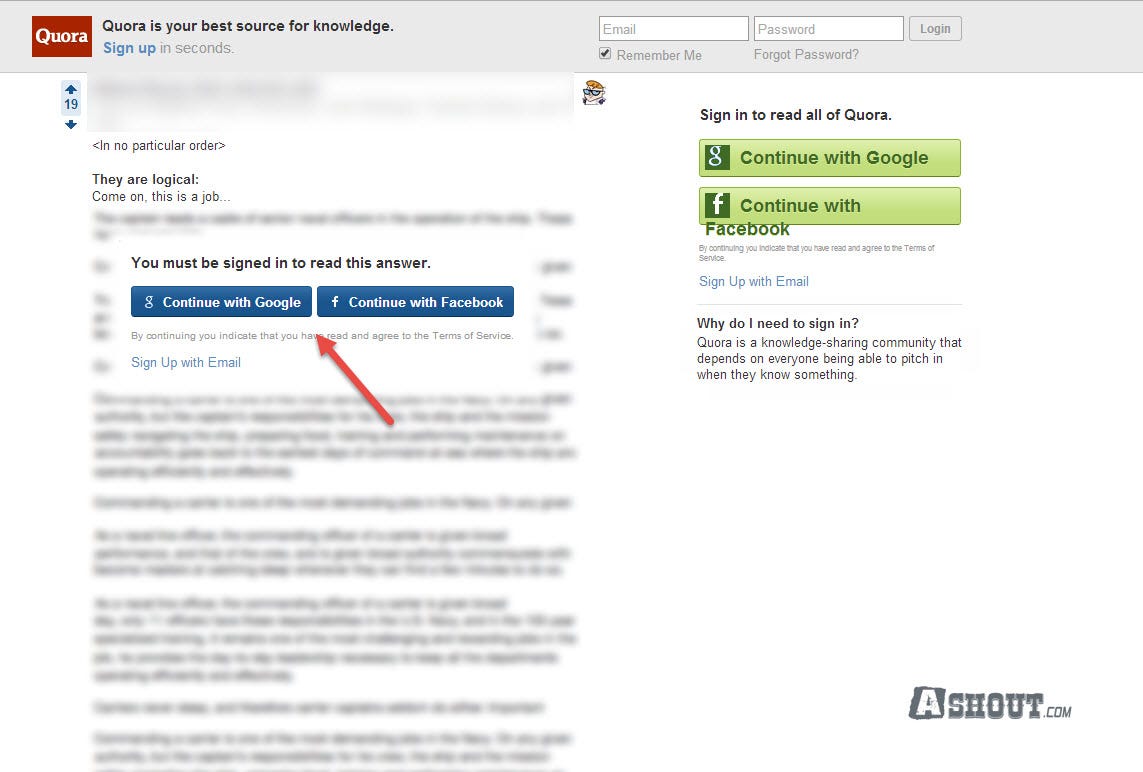
Quora officially gives users to unblur all the content without doing any signup or sign-in process. All you need to do is, you just need to add small text to the URL address that you need to unblur the content.
For example: If you wish to read all the answers on http://www.quora.com/I-am-passionate-about-almost-nothing-I-dont-have-an-aim-in-life-I-am-from-one-of-the-IITs-Is-it-okay this link, then add “?share=1” at the end of the URL address to unblur the blurred content.
The unblur URL will looks like,
METHOD 2: Quora Unblocker-Chrome Extension
The above step is a manual process. If you visit quora again and again, then there is a Google Chrome extension to do this task. Just install Quora unblocker to unblock blocked content on Quora.
What this extension will do is, it just unblocks/unblur all the content on the Quora website without signing into any account.
Creating a life, I love

Comments
Post a Comment